Unite Tasks into a Flow
Learn how to use Tindlo step by step
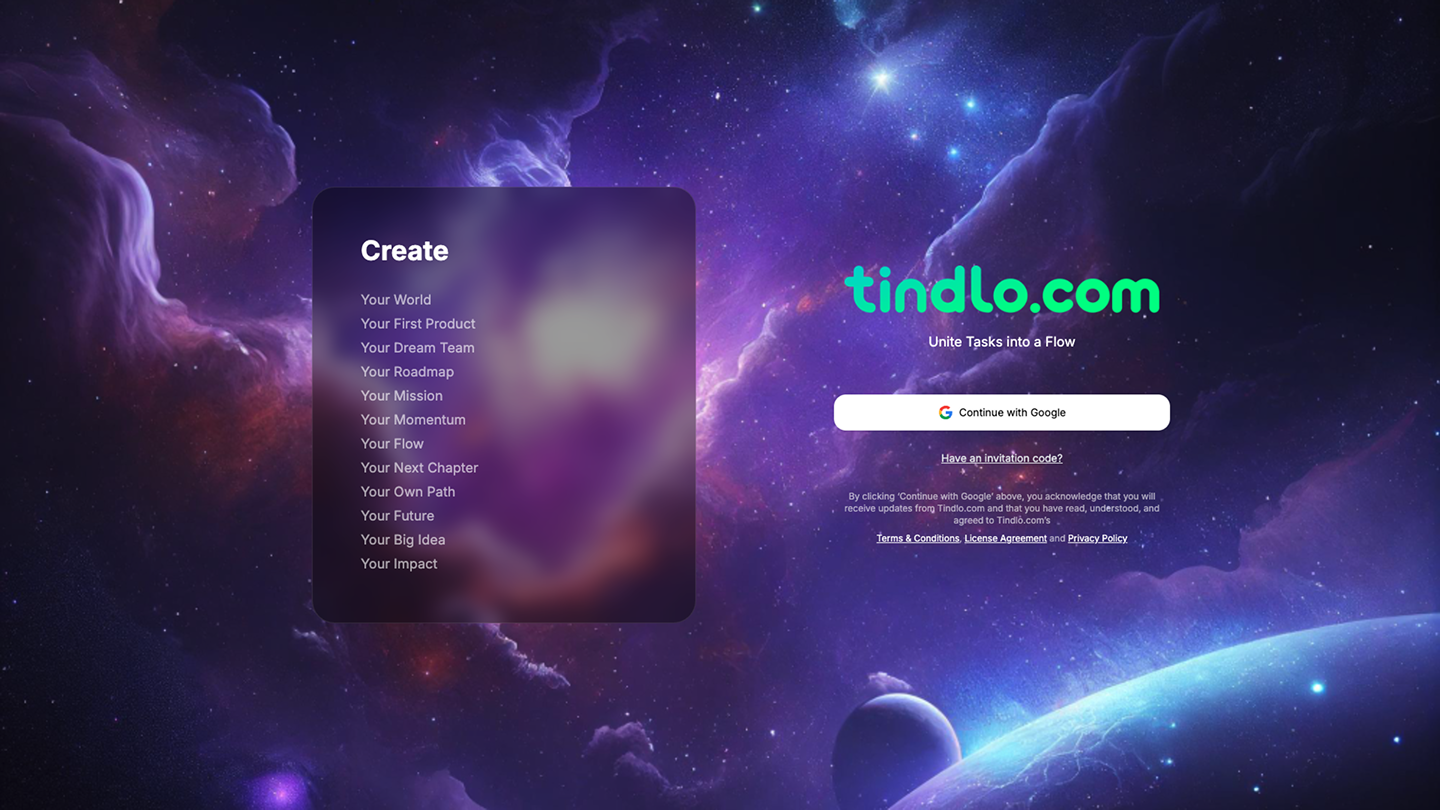
Sign up for a new account.
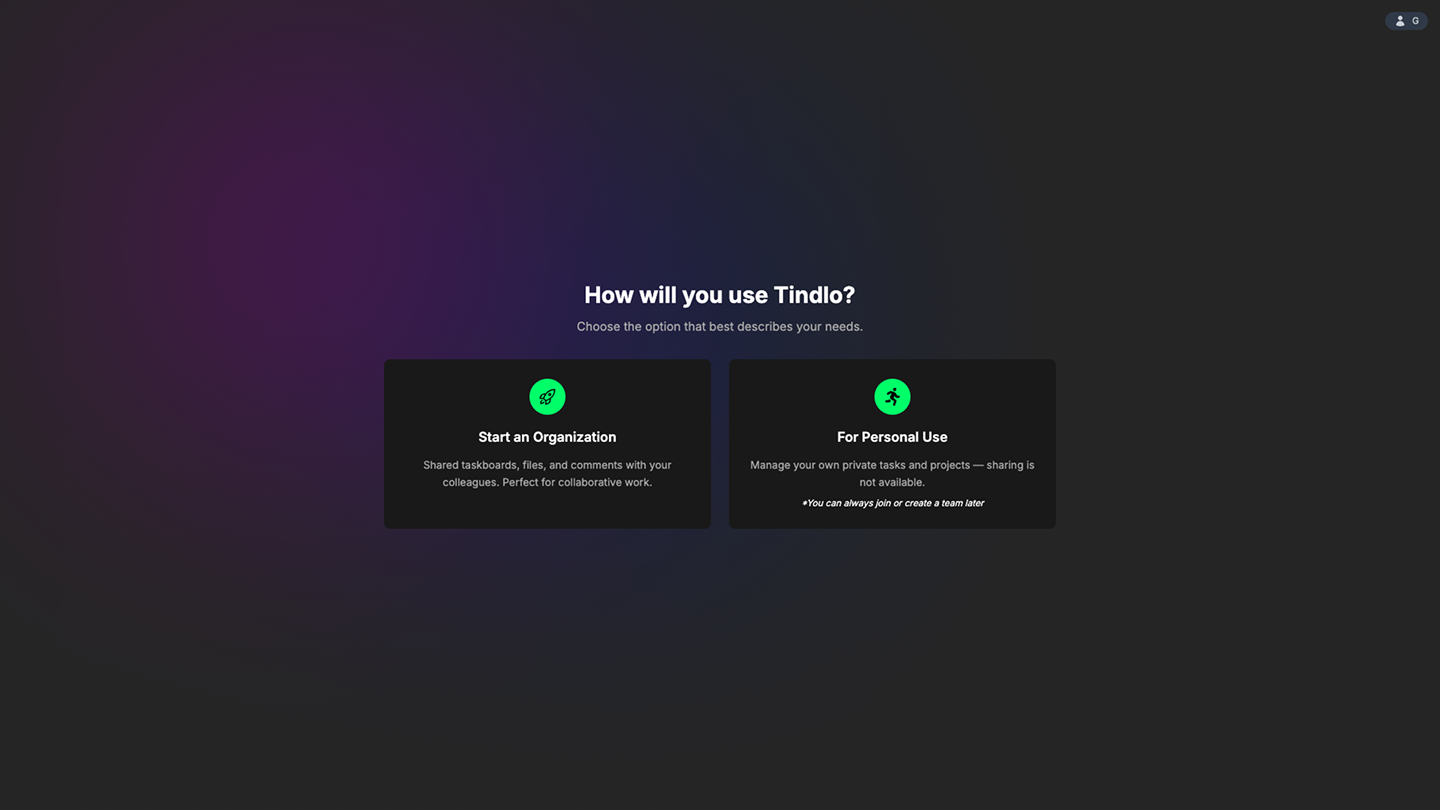
Create your organization.
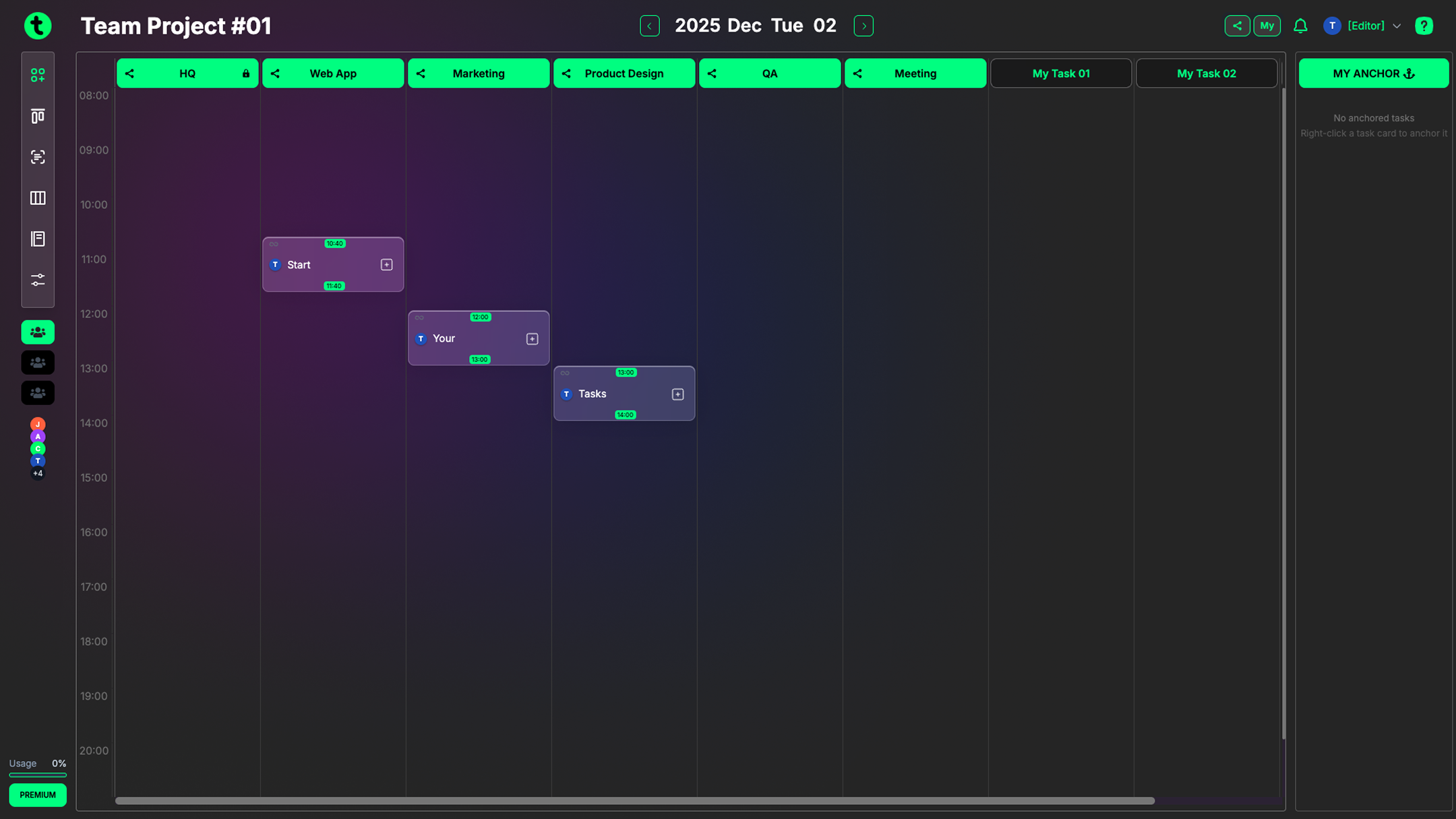
Welcome to Tindlo
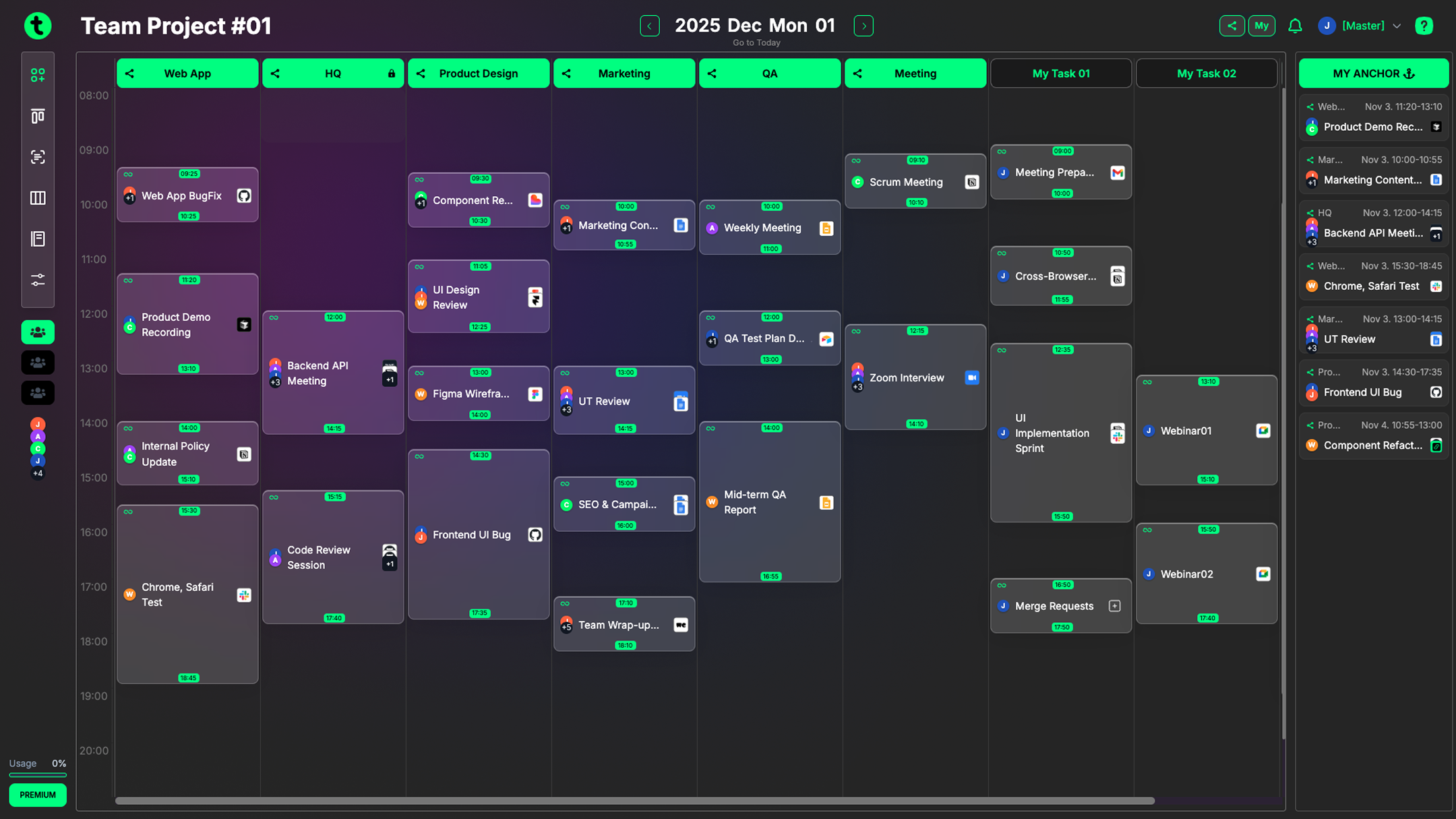
Your magic begins here
Create projects, collaborate with your teammates, and build something amazing together.
Note: File uploads are limited on the free plan.
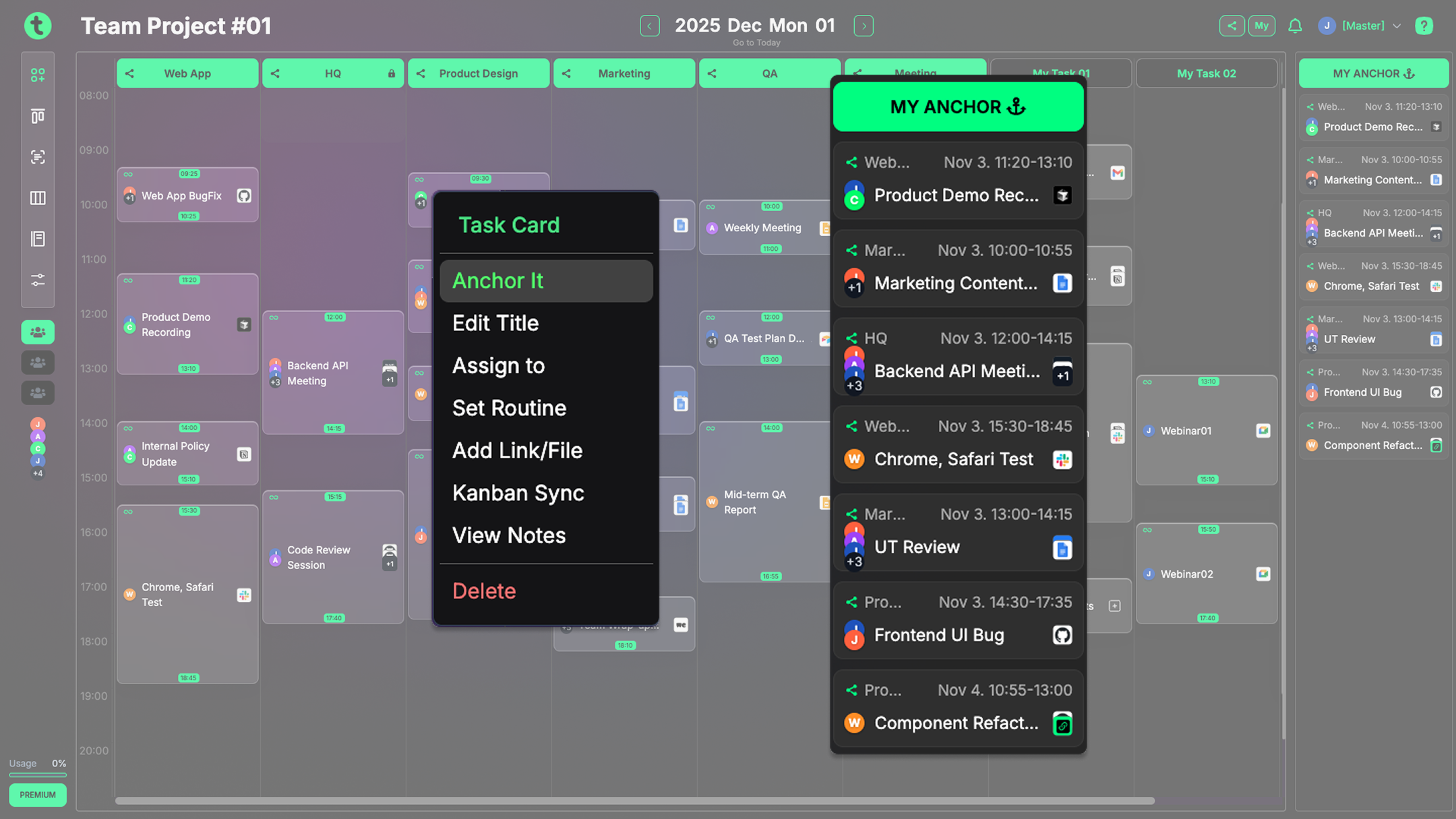
Explore the submenu
Try out each feature and discover what fits your workflow best.
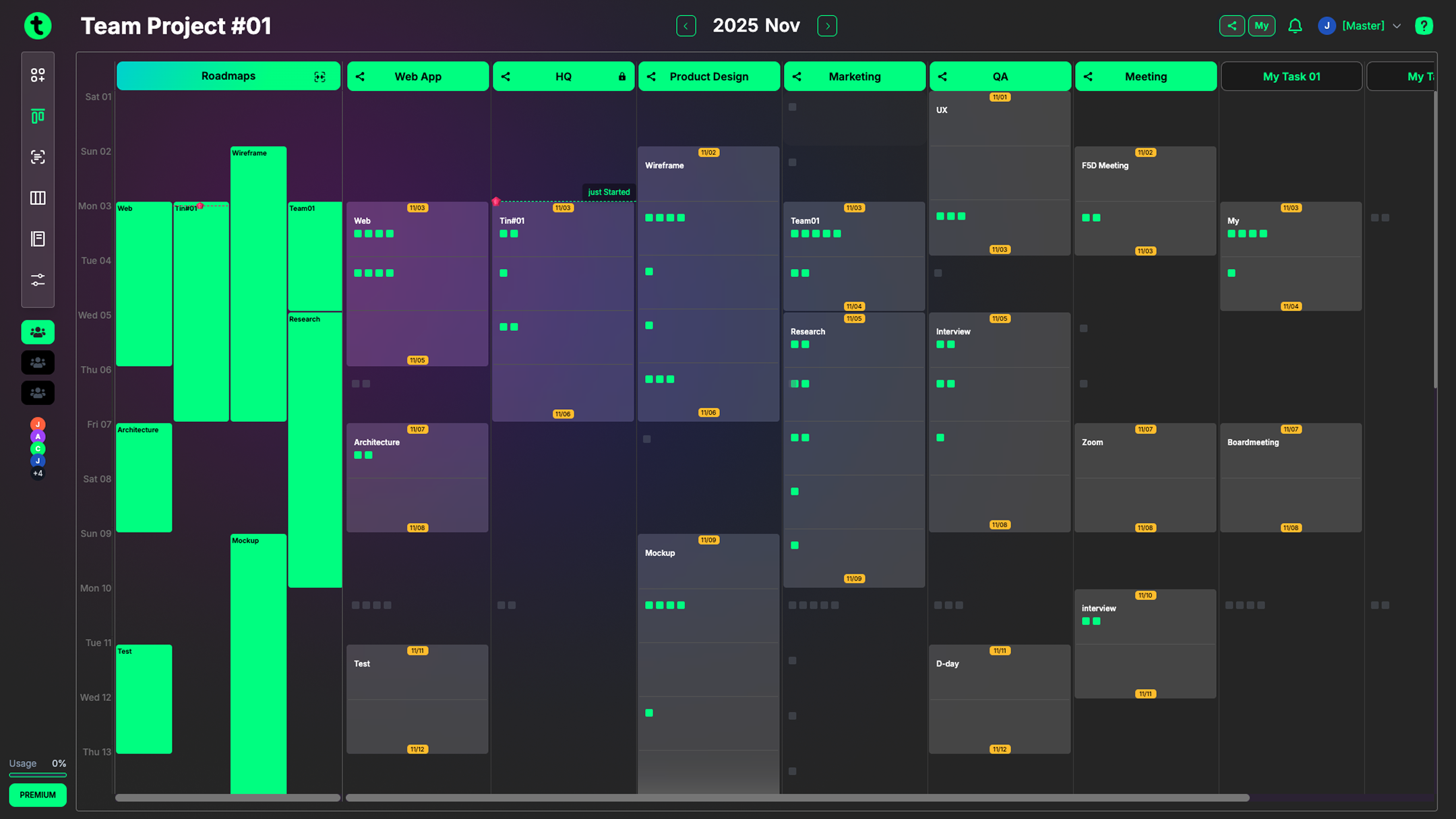
Build your timeline
Use the Roadmap view to set timelines and understand your project's full schedule at a glance.
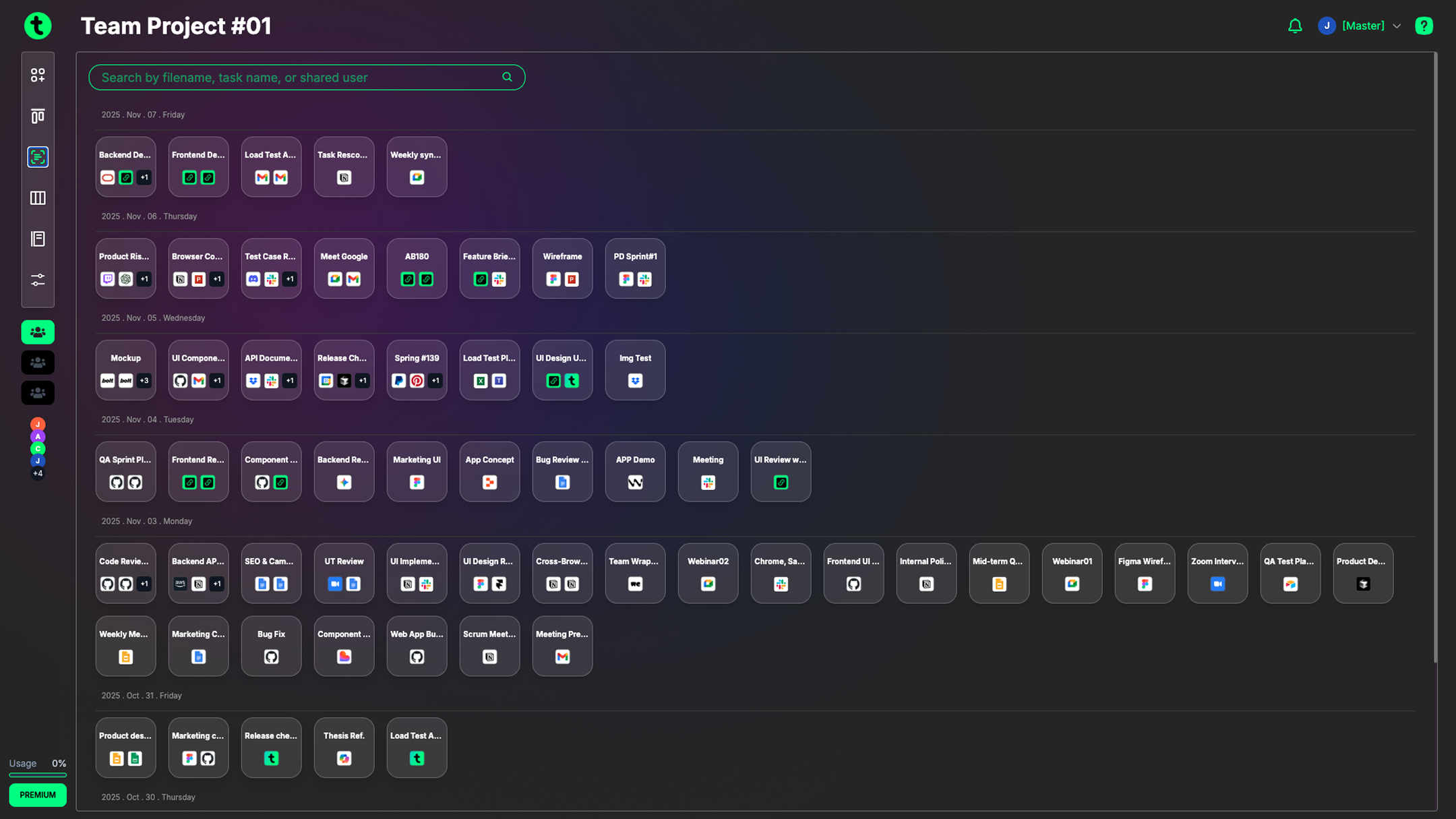
Enjoy File Flow
Quickly gather and view the latest documents linked across your tasks—no more searching through scattered tabs or messages.
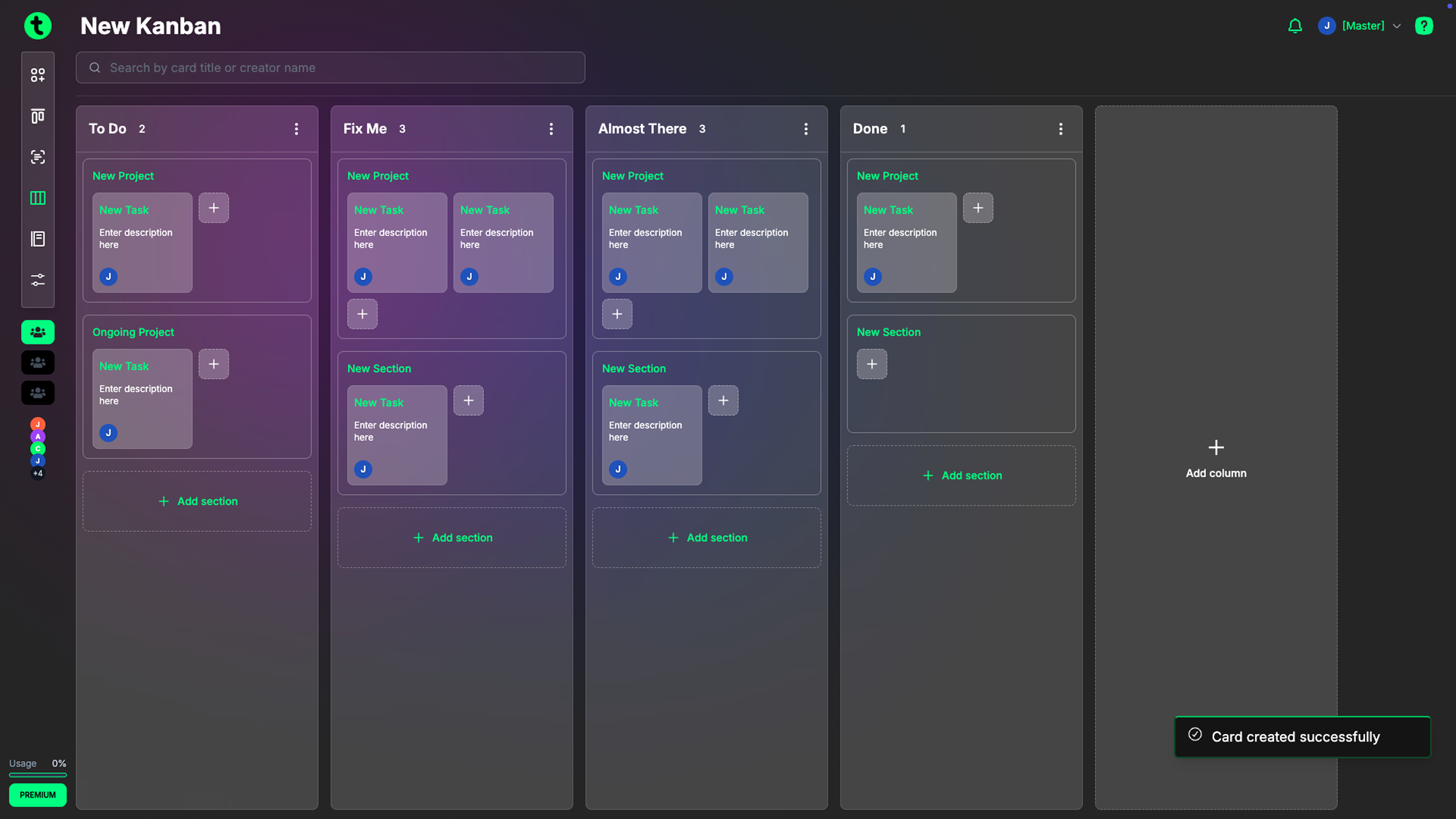
New Kanban
New Kanban helps you separate tasks by purpose and manage your work visually and intuitively, keeping complex projects simple at a glance.
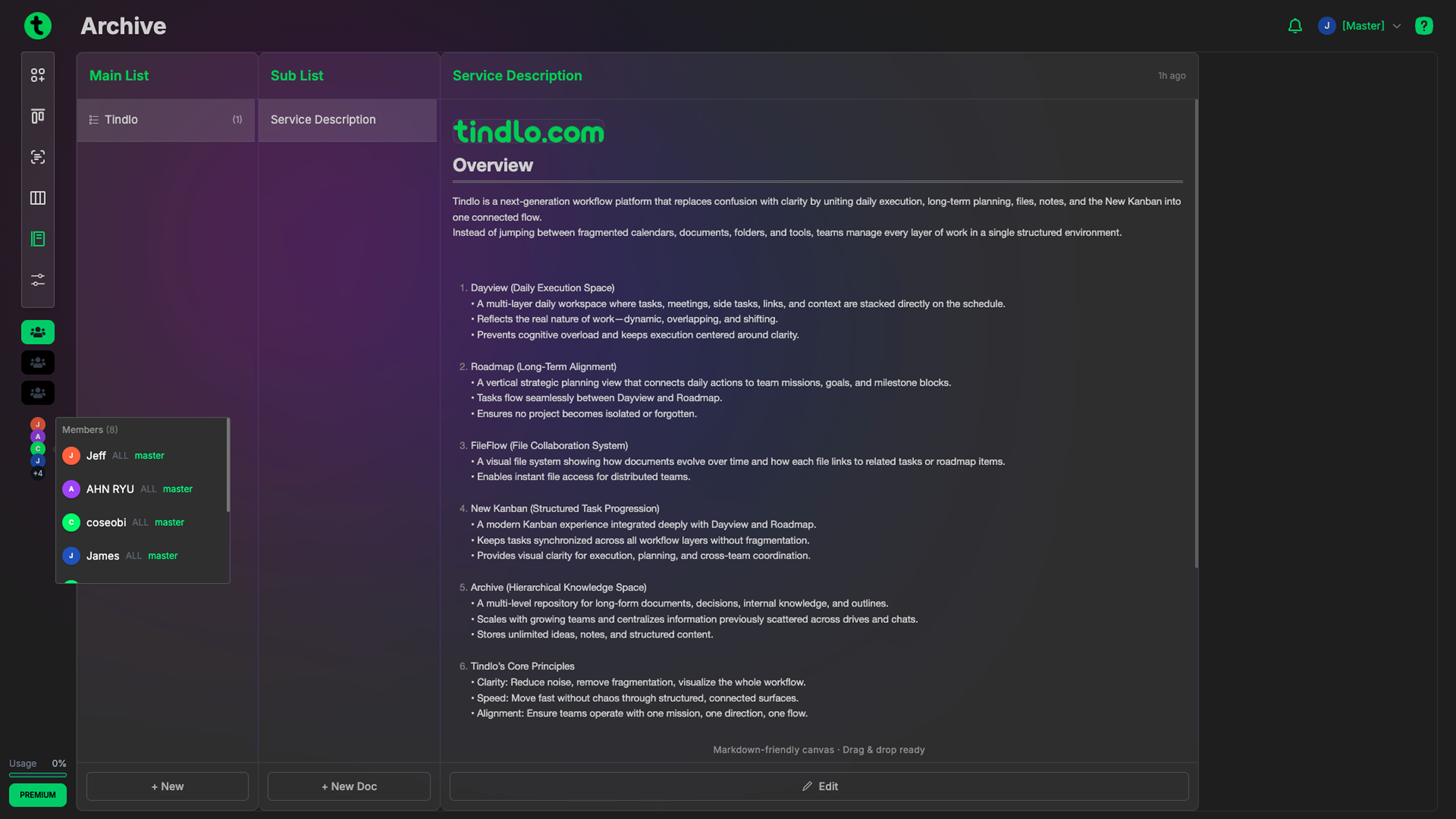
Branch
Branch lets you create both structured outlines and full documents, so you can store any type of project material in one organized space.
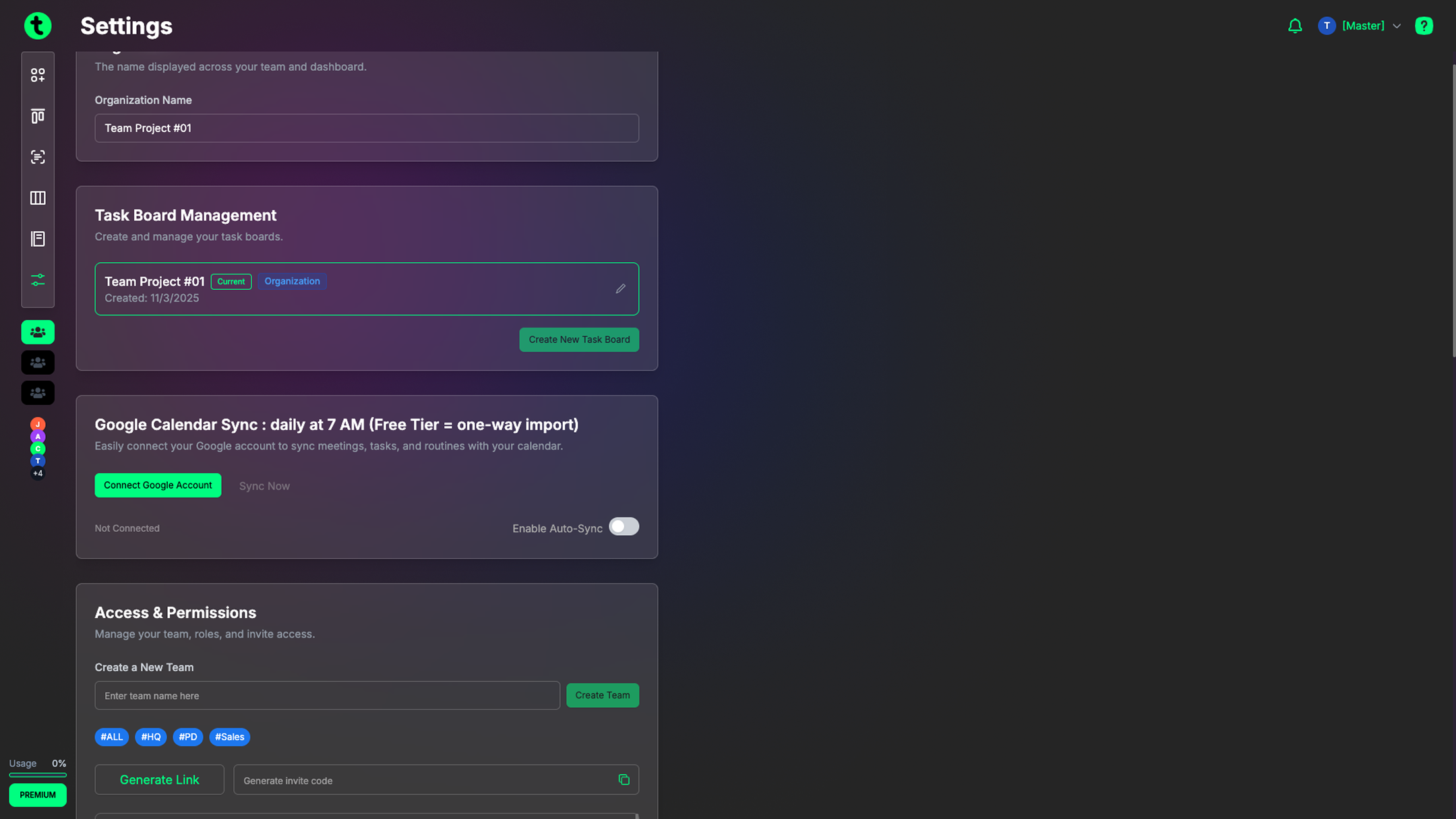
Invitation code
In Settings, click "Generate Link" to create an invite code. Share it with your teammates to invite them.
Note: The free plan allows up to 20 members per organization.
Calendar integration
Import your Google Calendar in Settings. Events import smoothly; syncing back to Google isn't available yet. (Coming soon)
Customize your workday
Set your preferred work schedule and manage your tasks more efficiently.